
Booking a flight shouldn’t mean broadcasting your travel plans to the world.
If you’re concerned about data breaches, aggressive retargeting ads, or your personal details being passed between unknown third parties, you’re not alone. Every flight search, fare comparison, and checkout page can leave a digital trail—one that reveals more about you than you might expect.
This guide shows you exactly how to minimize that exposure. We’ll walk through a practical, step-by-step incognito flight booking strategy, covering the tools, settings, and habits that protect your identity from initial search to final confirmation.
The methods here go beyond generic tips. They’re based on proven techniques used by privacy-conscious travelers who prioritize discretion without sacrificing convenience.
The Discreet Booking Method: A Step-by-Step Walkthrough
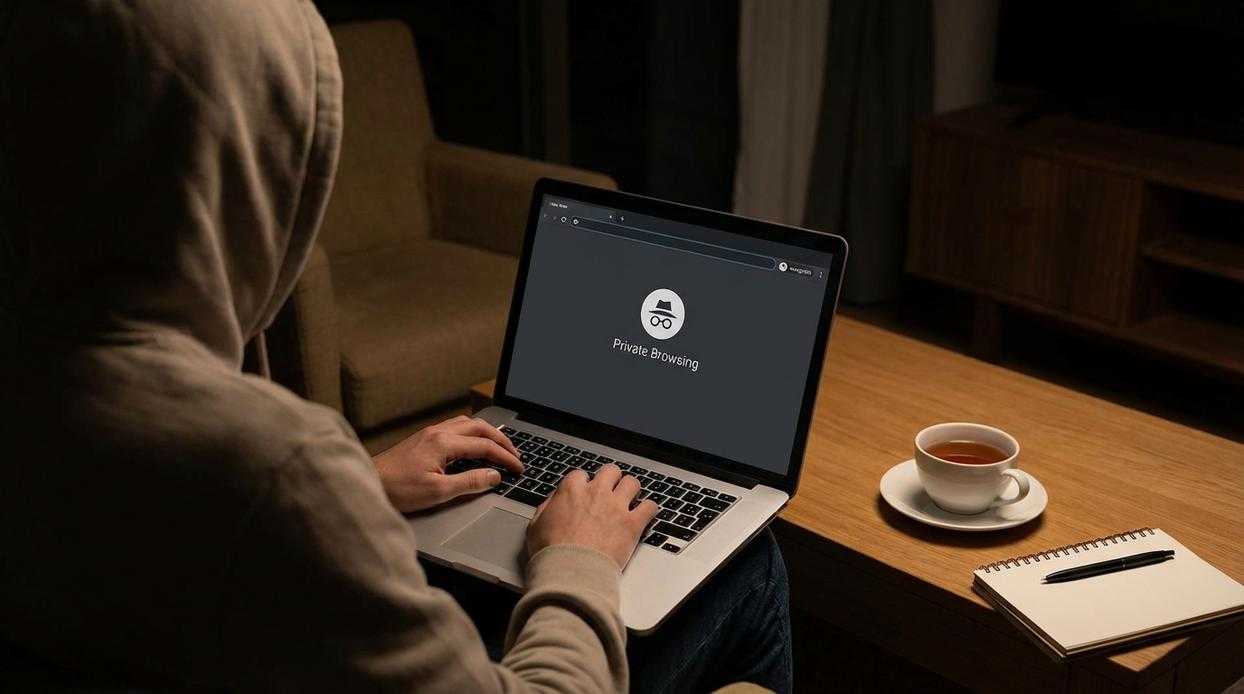
If you’ve ever wondered whether airlines track your searches (they can, via cookies and IP addresses), this walkthrough will help you book with more privacy and control. The goal isn’t paranoia—it’s minimizing unnecessary data trails while securing your fare.
Step 1: The Setup
First, activate your VPN (Virtual Private Network—a tool that masks your IP address and encrypts your connection). Choose a server location strategically; sometimes prices vary by region due to demand segmentation (a common airline pricing practice, according to industry analyses by IATA).
Next, open a private browsing window. “Incognito mode” prevents your browser from storing cookies locally, which are small data files that track browsing behavior. This combination forms the foundation of an incognito flight booking strategy.
Step 2: The Anonymous Search
Now, use a privacy-focused search engine like DuckDuckGo. Unlike traditional engines, it doesn’t build a search profile tied to your identity.
As you compare aggregators, clear cookies between searches. Why? Some travelers believe repeated searches inflate prices. While airlines deny dynamic price hikes based solely on individual searches (and studies like one from McGill University found limited evidence of personal price discrimination), clearing cookies keeps your comparisons clean and unbiased.
Step 3: The Booking Process
When you’re ready to book, generate a temporary email address. These are disposable inboxes that forward or receive messages for a limited time. Use this email exclusively for the transaction to avoid marketing follow-ups (because nobody needs 47 “last chance” fare alerts).
Pro tip: Screenshot fare details before checkout in case of discrepancies.
Step 4: The Payment
Use a virtual credit card (a digitally generated card number linked to your real account). Set the spending limit slightly above the ticket price for added protection. If permitted, use a billing name variation—but ensure the passenger name matches your government ID exactly to avoid check-in issues.
Step 5: Confirmation & Data Deletion
Finally, save your booking confirmation number (PNR—Passenger Name Record) offline. Once confirmed, delete the temporary email and deactivate the virtual card. Clean, simple, and far more private than the average booking session.